Install the extension and find its settings
Add Datomy to Chrome, see what its window shows (language, access, My stores), and find the panel it puts on eMAG and Trendyol pages.
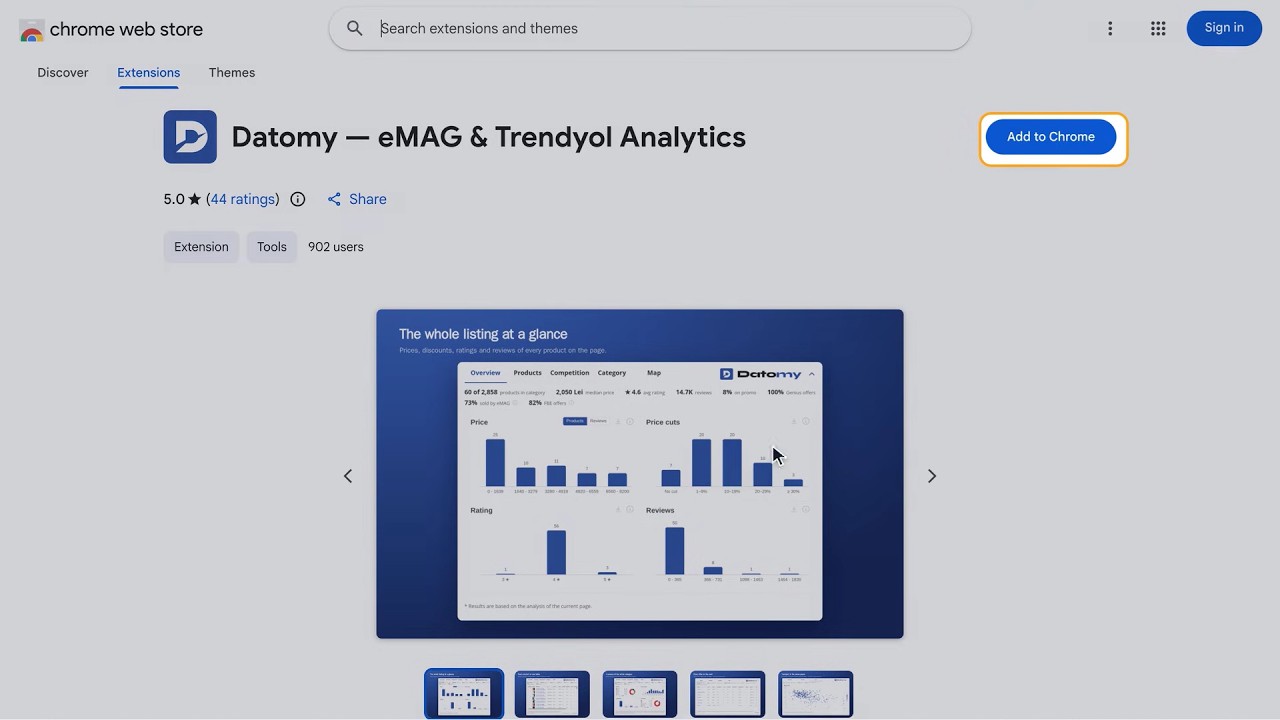
The Datomy extension puts an analytics panel on eMAG and Trendyol themselves: on listings, search results and product pages. This first part installs it and goes through its window.
Install it
The Browser extension section of your profile says what is free, what each marketplace costs and whether your access is active. The link under it opens Datomy in the Chrome Web Store.
- Press Add to Chrome and confirm.
- Chrome keeps new extensions behind the puzzle-piece icon in its toolbar. Pin Datomy there, so it is always one click away.
The extension works in Chrome on a computer.
The extension's window
Click the Datomy icon and its window opens.
- Language: the language the panel speaks: your browser's, or the storefront's where the panel does not speak yours. You can change it here.
- Access: what your account includes. On eMAG the Overview and Products tabs are free for everyone; eMAG Pro and Trendyol are subscriptions of their own, and the free trial includes both. After you subscribe, Refresh checks again at once.
- My stores is for sellers. Paste the link to your own store page on eMAG or Trendyol, and the panel marks your products in every listing, so you see where you stand at a glance.
- What you get lists every tab of the panel, and which of them are free.
Signing in
There is no separate login. The extension uses your Datomy account: stay signed in on datomy.eu in the same browser and it knows you. Manage opens your profile.
The panel on a page
Open any eMAG listing: a category, a brand or a search. The Datomy panel appears right above the products, with its tabs along the top. The arrow in its corner folds the panel away when you only want to shop, and brings it back; Datomy remembers your choice.